
- Developer
- NETWORK WARAOS
- Installs
- 100K+
- Downloads
- 0
- Views
- 6
- Updated
- Nov 4, 2026
Screenshots
About Solitaire Wake – Free Download from Google Play
First, an important clarification: Solitaire Wake is not primarily a card game. It is an alarm-clock app, and its Solitaire element exists to help you actually get out of bed. If you are someone who switches off an ordinary alarm half asleep and then drifts back to sleep, this app is designed with exactly that problem in mind. It turns waking up from a single tap into a small, deliberate task.
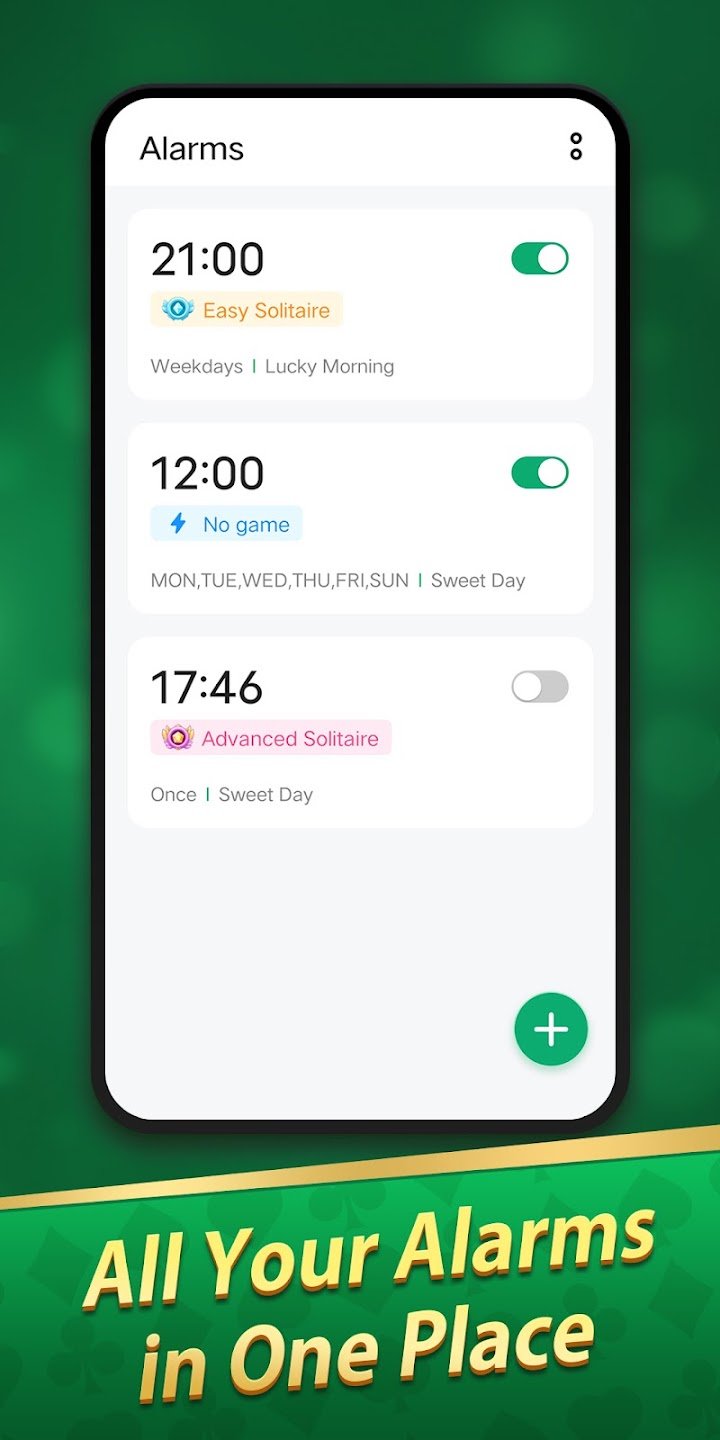
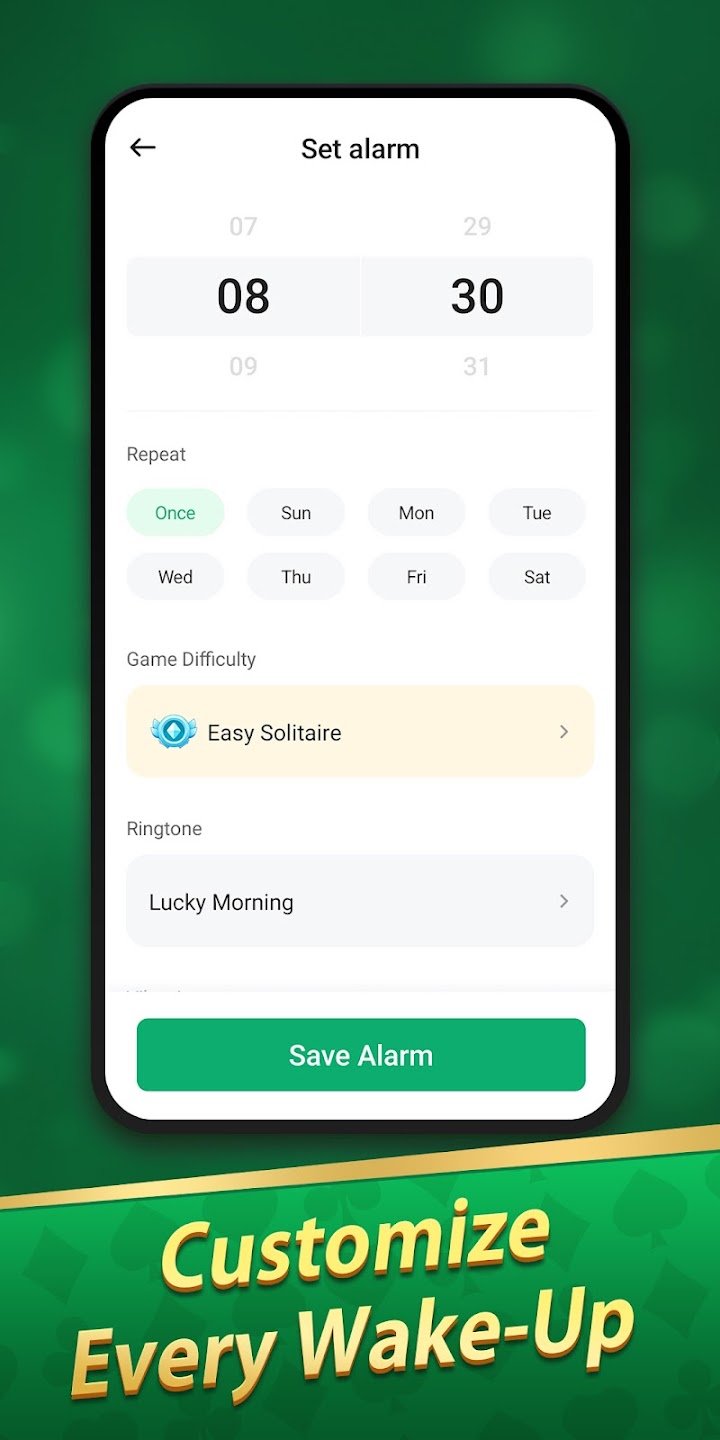
At its core, Solitaire Wake works like a straightforward alarm clock. You set alarms for the times you need, choose the days they should repeat, pick a ringtone you will notice, and decide whether vibration should be on. You can set more than one alarm, so different routines, such as workdays, early appointments and weekend plans, can each have their own time. The layout is clear and easy to read, even when you are setting an alarm late at night and do not want to fumble through complicated menus.
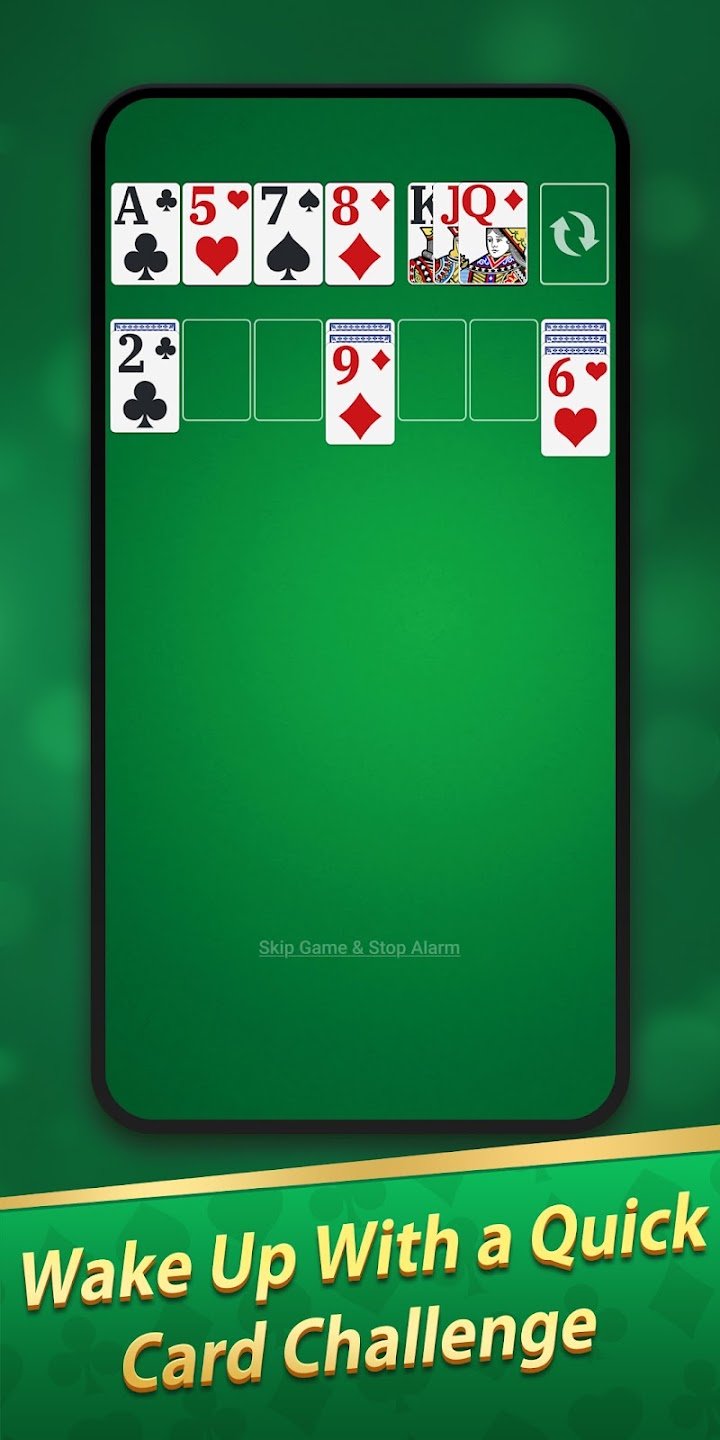
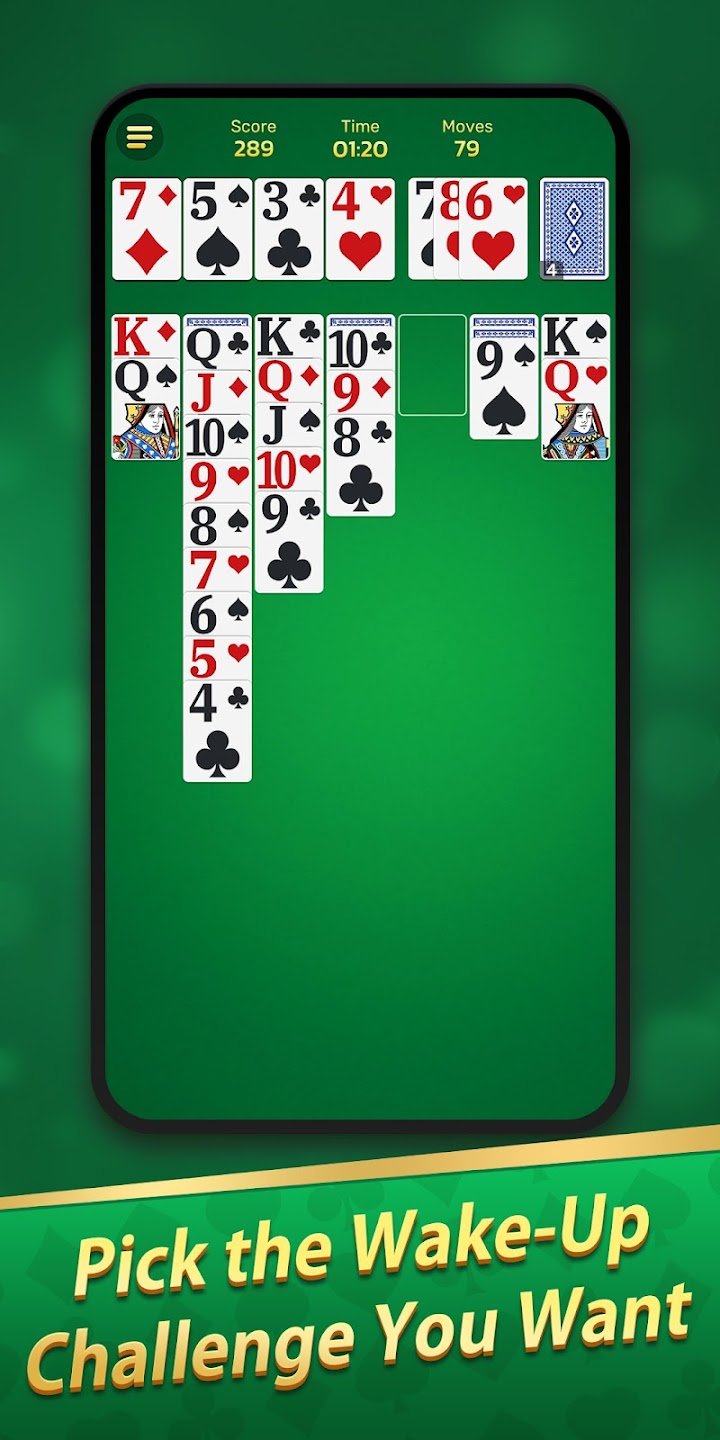
The distinctive part comes when an alarm sounds. Instead of letting you silence it with one sleepy tap, you can require a short Solitaire task before the alarm stops. Completing a brief card task asks for just enough attention to wake your mind up properly, which makes it much harder to turn the alarm off and immediately fall asleep again. That gentle mental effort is the whole point: by the time you have finished the task, you are more alert and more likely to stay awake.
You are not forced into the hardest version of this idea. Solitaire Wake lets you choose how each alarm should end. You can set an alarm with no game at all, for days when a normal alarm is enough. You can choose an easy Solitaire task, which is a light challenge that still requires attention. Or you can choose an advanced Solitaire task, for mornings when you know you will need a stronger nudge. That choice matters, because a heavy sleeper and a light sleeper do not need the same level of difficulty, and your needs may differ from one day to another.
For heavy sleepers, this approach can be genuinely useful. Ordinary alarms fail not because they are too quiet, but because stopping them is too easy. Adding a task changes the habit: you cannot dismiss the alarm on autopilot. For people with busy schedules, it also adds structure to the morning, since the alarm becomes a clear starting point for the day rather than something to snooze repeatedly. Used alongside sensible sleep habits, it can help mornings feel less rushed and less chaotic.
Solitaire Wake is a free download from the official Google Play Store, priced at 0 USD, with a 4.8-star rating from 1,093 ratings. No ads or in-app purchases are shown on its listing. If you struggle with ordinary alarms, or you simply want an alarm clock that asks a little more of you before letting you start the day, this is a practical and thoughtful option. Download it from the official Google Play Store using the download link on this page.